Introduction
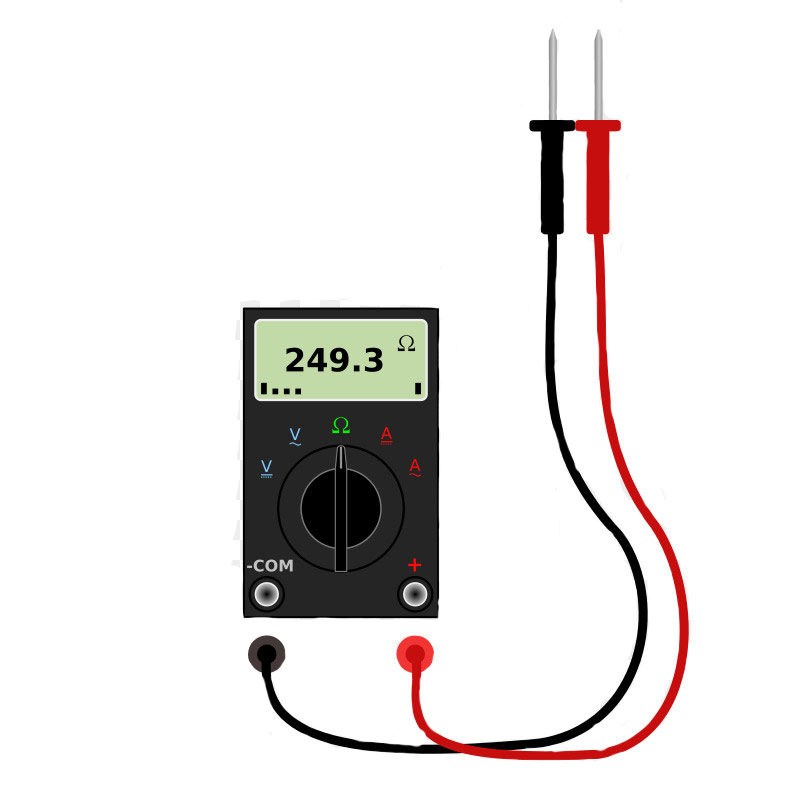
Digital multimeters are essential tools for any electronics enthusiast or professional. While commercial multimeters offer excellent accuracy and features, building your own Arduino-based multimeter is a fantastic learning project that teaches fundamental concepts of measurement, analog-to-digital conversion, and embedded programming.
In this comprehensive guide, we'll walk through the process of creating a functional digital multimeter that can measure:
- DC Voltage (0-50V)
- DC Current (0-10A)
- Resistance (1Ω - 1MΩ)
- Continuity Testing
Components Required
- Arduino Uno – Microcontroller board
- 16x2 LCD Display – I2C module preferred
- ACS712 Current Sensor – 5A or 20A version
- Voltage Divider Network – High precision resistors
- Rotary Switch – Multi-position for range selection
- Test Probes & Leads – Standard multimeter probes
Circuit Design
The circuit design is the heart of our multimeter. We need to condition various input signals to fit within the Arduino's 0-5V ADC range while maintaining accuracy.
Voltage Measurement Circuit
For voltage measurement, we use a precision voltage divider network. The key is using high-precision, low-temperature coefficient resistors to maintain accuracy across different conditions.
// Voltage measurement with calibration
float measureVoltage() {
    int adcValue = analogRead(VOLTAGE_PIN);
    float voltage = (adcValue * 5.0 / 1023.0) * VOLTAGE_MULTIPLIER;

    // Apply calibration factor
    voltage = voltage * CALIBRATION_FACTOR;

    return voltage;
}
Current Measurement
Current measurement utilizes the ACS712 Hall-effect sensor, which provides isolation and can measure both AC and DC current. The sensor outputs a voltage proportional to the current flowing through it.
float measureCurrent() {
    int adcValue = analogRead(CURRENT_PIN);
    float voltage = (adcValue * 5.0 / 1023.0);

    // ACS712-5A: 185mV/A, zero at 2.5V
    float current = (voltage - 2.5) / 0.185;

    return abs(current);
}
Programming the Arduino
The software implementation includes auto-ranging, calibration routines, and a user-friendly interface. Here's the main structure of our program:
#include <LiquidCrystal_I2C.h>

// Pin definitions
#define VOLTAGE_PIN A0
#define CURRENT_PIN A1
#define RESISTANCE_PIN A2
#define MODE_BUTTON 2
#define RANGE_BUTTON 3

// Initialize LCD
LiquidCrystal_I2C lcd(0x27, 16, 2);

// Global variables
int currentMode = 0; // 0: Voltage, 1: Current, 2: Resistance
int currentRange = 0;
float calibrationFactor = 1.0;

void setup() {
    Serial.begin(9600);
    lcd.init();
    lcd.backlight();

    pinMode(MODE_BUTTON, INPUT_PULLUP);
    pinMode(RANGE_BUTTON, INPUT_PULLUP);

    lcd.setCursor(0, 0);
    lcd.print("Arduino DMM v1.0");
    lcd.setCursor(0, 1);
    lcd.print("Initializing...");
    delay(2000);

    performSelfTest();
}

void loop() {
    handleButtons();

    switch(currentMode) {
        case 0: displayVoltage(); break;
        case 1: displayCurrent(); break;
        case 2: displayResistance(); break;
    }

    delay(500); // Update rate
}
Calibration Process
Calibration is crucial for achieving accurate measurements. We compare our readings with a known reference multimeter and adjust our calibration factors accordingly.
Testing and Results
After assembly and calibration, our Arduino multimeter achieved the following specifications:
| Parameter | Range | Accuracy | Resolution |
|---|---|---|---|
| DC Voltage | 0-50V | ±1% | 0.01V |
| DC Current | 0-5A | ±2% | 0.01A |
| Resistance | 1Ω-1MΩ | ±5% | 1Ω |
Future Improvements
This project can be enhanced further with several additions:
- AC Measurement: Add RMS calculation for AC voltage and current
- Frequency Counter: Measure signal frequency
- Data Logging: Store measurements with timestamps
- PC Interface: Serial communication for computer logging
- Auto-ranging: Automatic range selection for better accuracy
Conclusion
Building an Arduino-based multimeter is an excellent project for understanding measurement principles and embedded programming. While it may not replace a professional-grade multimeter, it provides valuable insights into how these instruments work and serves as a solid foundation for more advanced projects.
The complete project files, including circuit diagrams and source code, are available on my GitHub repository. Feel free to contribute improvements or ask questions!